Chat/Terminal
What is different on Partitura Chat, compared to other AI chat interfaces?
Chat
The Chat is the main interface to interact with Partitura. You can send messages in natural language, images or documents to Maestro, who will then create plans, delegate the work to the Concertmaster and other agents.
You can click on the image icon or drag and drop images into the chat window to add them to your message. Hovering over an image will expand a preview, so you can make sure it is the right one. Clicking [x] removes it.
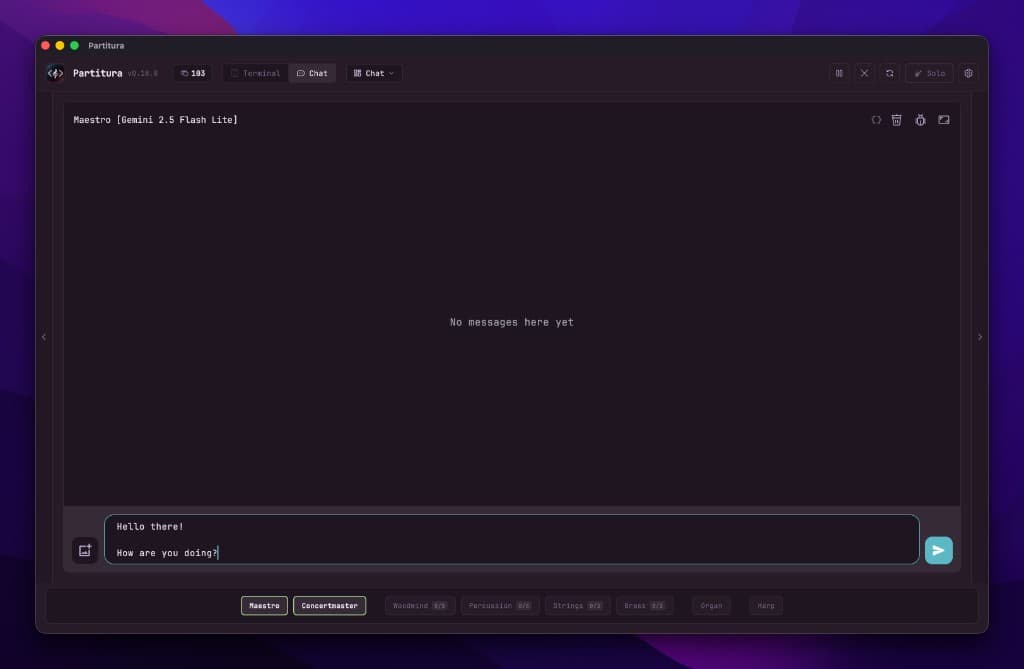
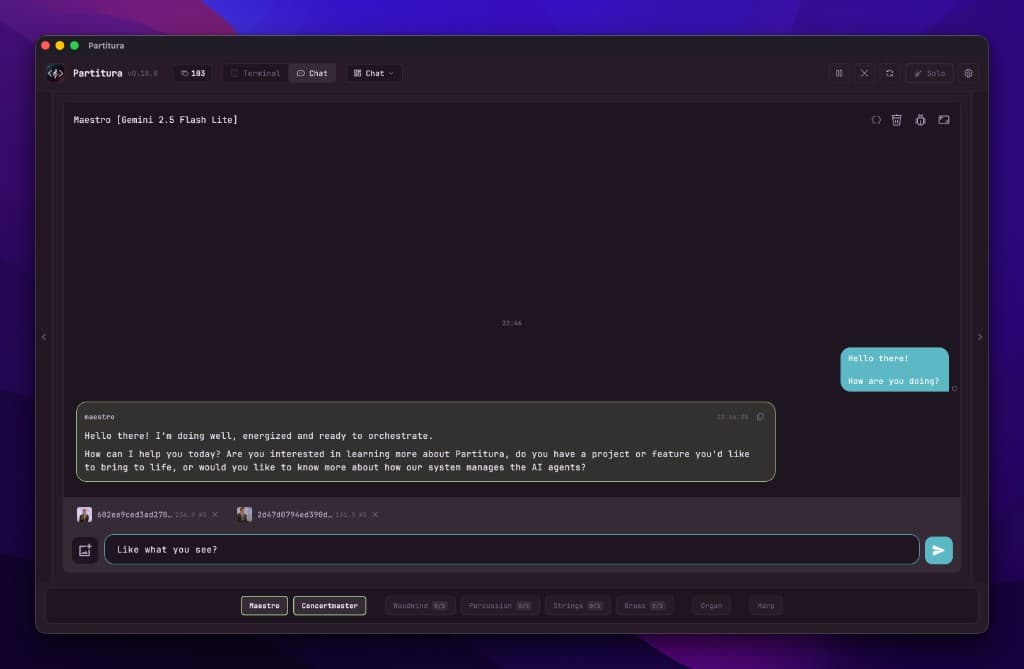
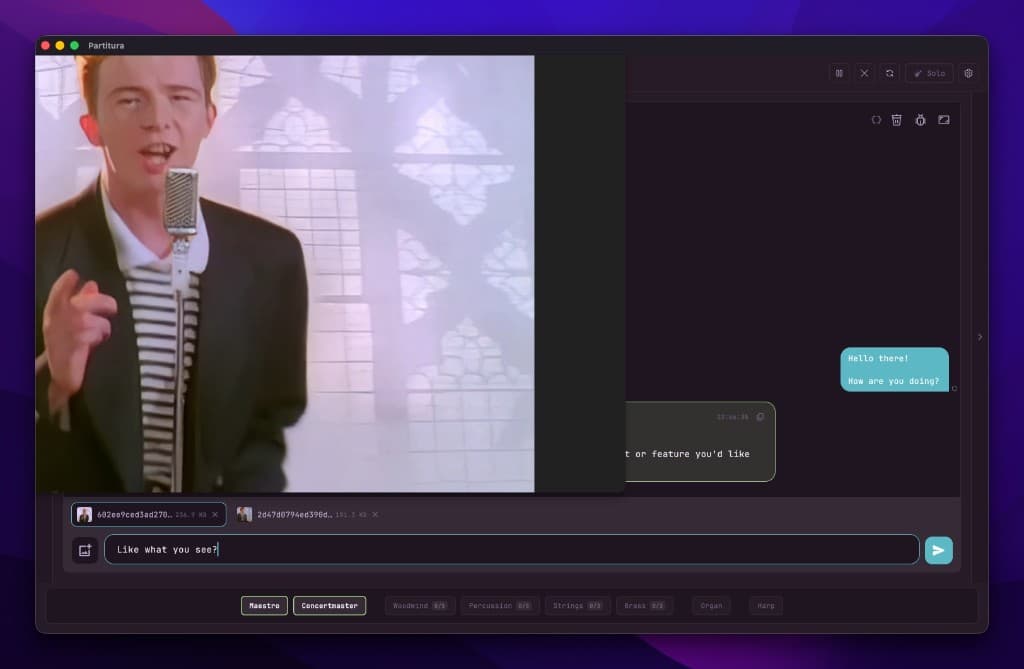
Sending messages to Maestro
You can talk directly to either Maestro or Concertmaster. While it is possible to see other agent's conversations, it is not possible to interact with them directly — only Maestro can do so.
Maestro can talk to the agents, and their conversations will be shown on the agent chats, but not on Maestro's chat. This is to avoid cluttering the chat window with too many messages (they communicate very, very fast).
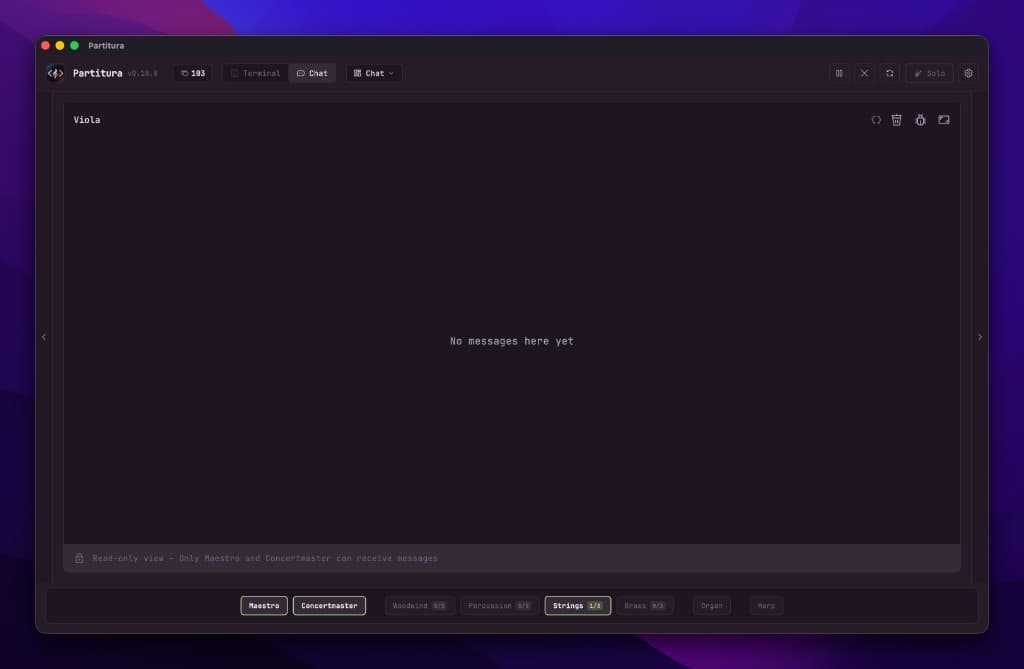
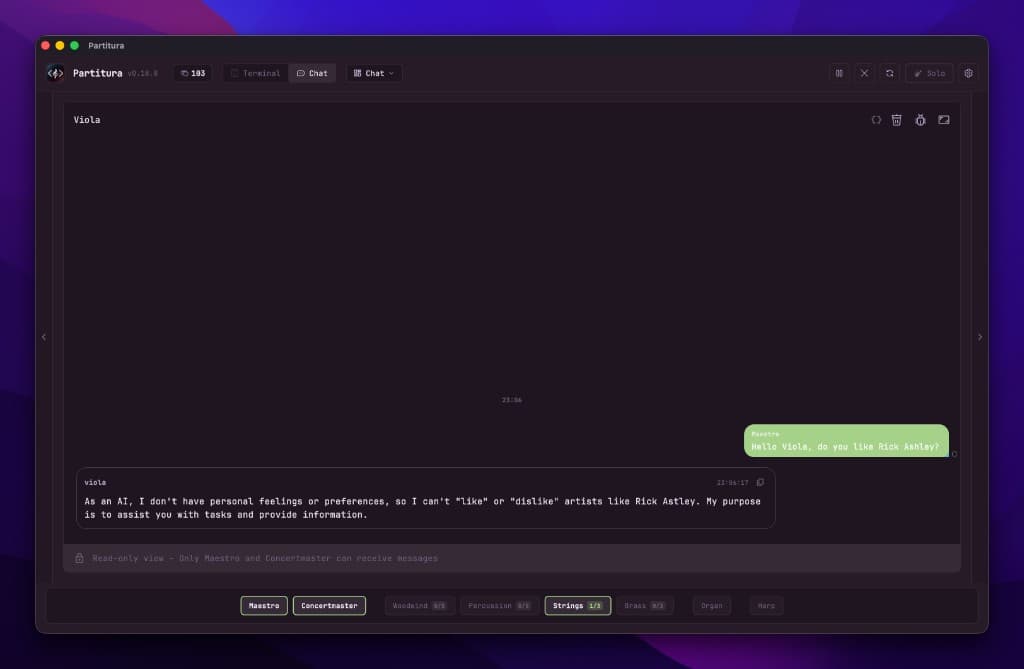
Viewing an agent's conversation
Terminal
Each agent runs as its own managed subprocess session, making it also possible to interact with them through the terminal. But terminal and chat are pretty much two interfaces to the same underlying system.
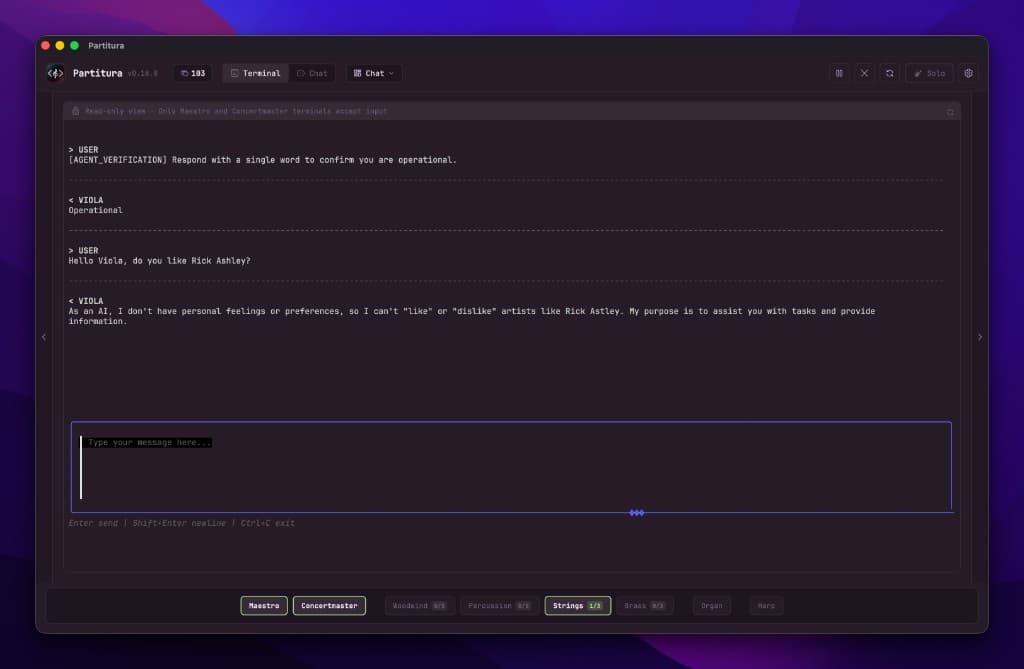
Terminal — each agent runs in its own session